Component focus
Focus on the component being studied.
Learn 3D shapes, 2D drawings, and component functions in one place.
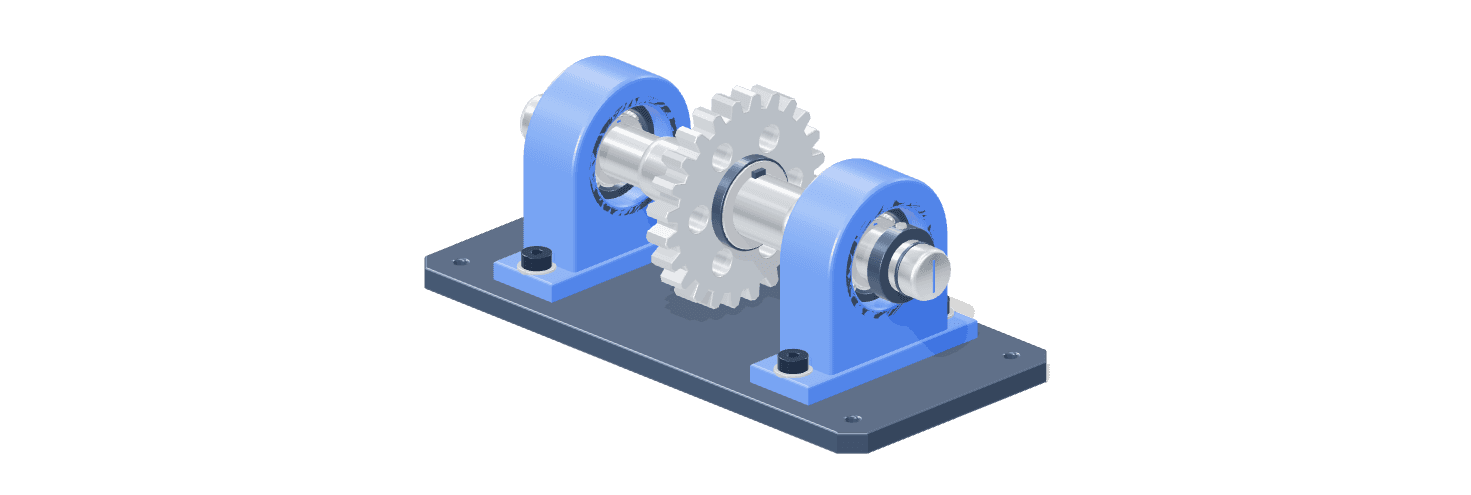
Component layout
Dimensions & shape
Supports & joints
Observe 3D models and 2D drawings in one learning space.
Focus on the component being studied.
Guide from observation to practice.
Enlarge the drawing to read dimensions and details.
Theme options, text size, and voice narration.
“At first, I found it difficult to visualize the shape of objects from 2D drawings. After being able to rotate the model in VISINEER, it became easier for me to understand its shape from different angles.”
“I often hesitate when reading small measurements on engineering drawings. In VISINEER, I can zoom in on that part and check its dimensions more clearly.”
“I used to have trouble showing small parts in the middle of a component assembly. With VISINEER, I can display only the part being discussed, making it easier to explain to students.”
“I usually feel like I understand after reading the material. Quizzes in VISINEER help me identify where I am still mistaken, so I know what I need to study again.”
“I often lose focus when switching between reading explanations and looking at the model. With the text reader in VISINEER, I can listen to the explanation while observing the shape of the component.”
Things to know before starting.
You can observe 3D models, read 2D engineering drawings, and understand component functions. Materials equipped with quizzes can also be used to test understanding.
To study the materials prepared by the teacher, simply open VISINEER in your browser. You do not need to install AutoCAD, Inventor, or Revit to view them.
Create a student account, verify your email, then log in. In My Class, enter the class code from the teacher. Materials published by the teacher will appear in that class.
Teacher accounts are created by the VISINEER admin through the Manage Accounts menu. Ask the admin to create an account, then log in with the provided email and password. The Register page is for students only.
Yes. The page adjusts to the screen size. For 3D models, use a browser that supports WebGL; a larger screen helps when reading engineering drawing details.
Open the Grades menu after submitting your answers. Multiple-choice questions are graded automatically, while essays and jobsheets are graded by the teacher. The final grade will appear once all sections are complete and graded.